WooCommerce Product Configurator Demos
Explore live WordPress product configurator examples built for customizable products.
Featured Demo for WP Configurator Pro - 2D
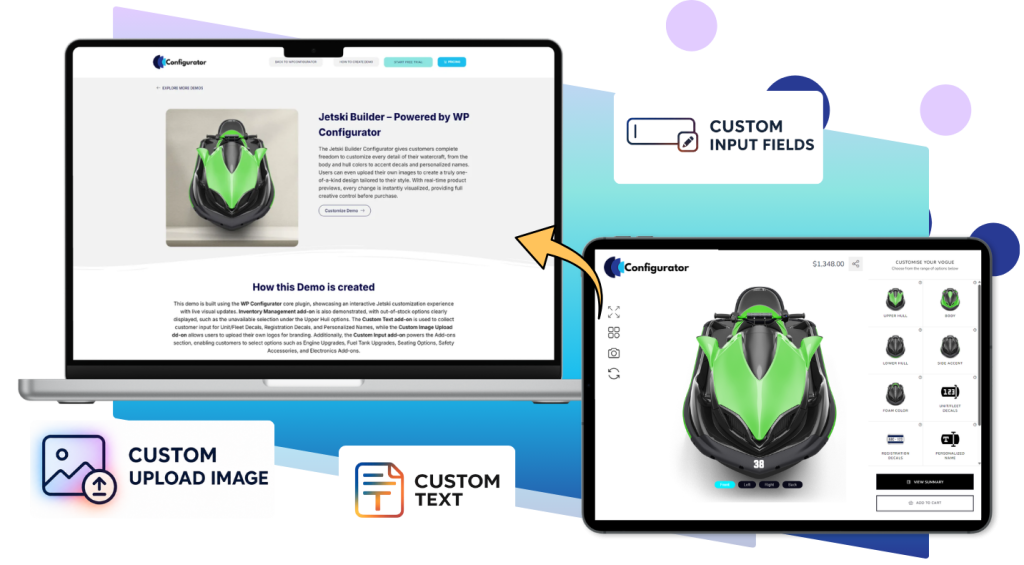
Jetski Builder
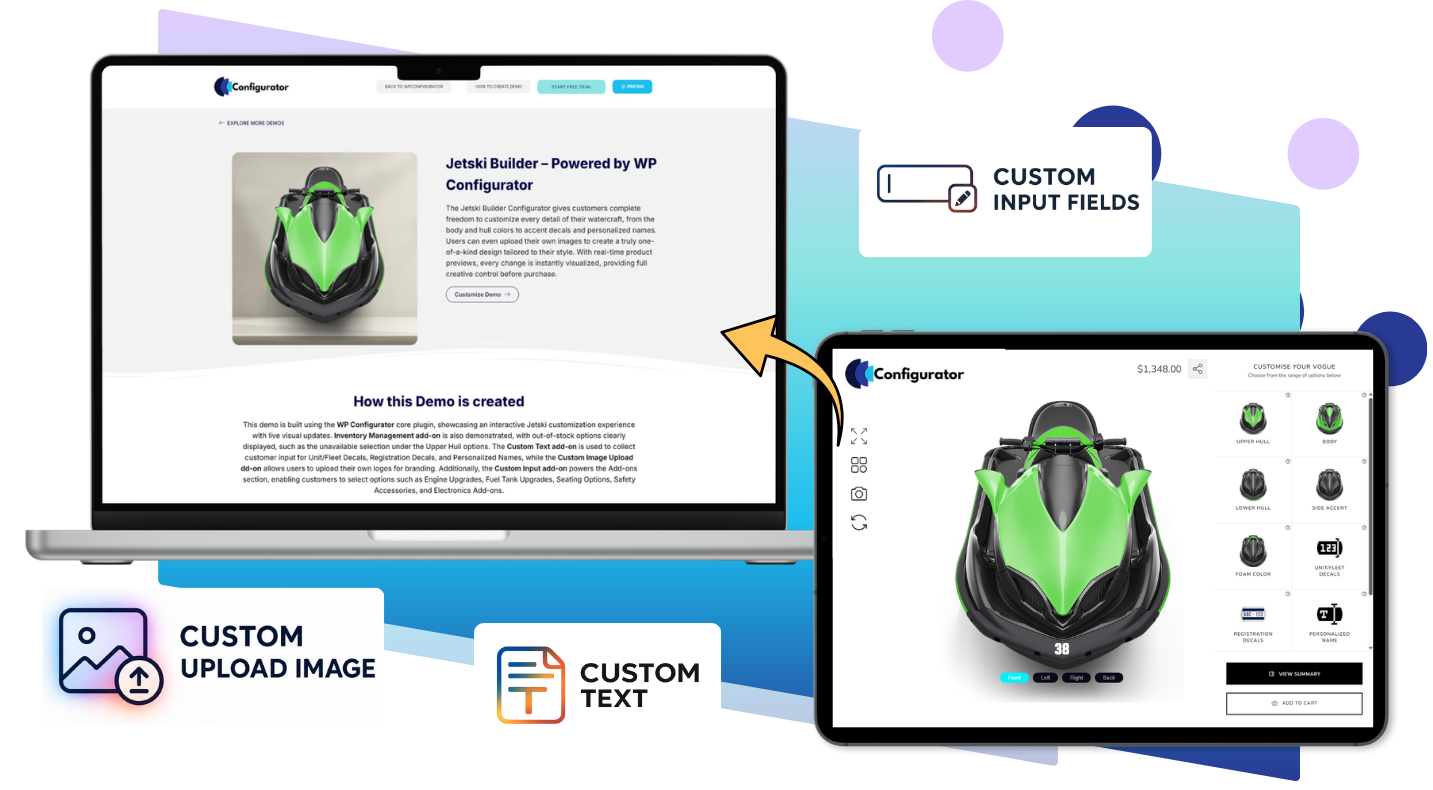
Customize sporty Jetski parts by parts,decals and colors using the Vogue template.
Start Free Trial
Start Free Trial
Check more Demos in action for WP Configurator Pro (2D)
See how WP Configurator Pro works across different industries. Browse demos by Industry Type, Add-ons, or Skin/Template to find the closest example for your store.
Note : WP Configurator Pro is the foundation. Add-ons unlock specific workflows (rules, pricing, personalization, stock control).
- All Demos
- Gadget & Gifting
- Fashion & Luxury
- Home Decor & Furnishing
- Sports & Fitness
- Automobile
- Printing
- Food & Beverage
Gadget & Gifting
Examples for personalized accessories, gadgets, gift boxes, bottles, and engraved products.
iPhone 12 Pro Case
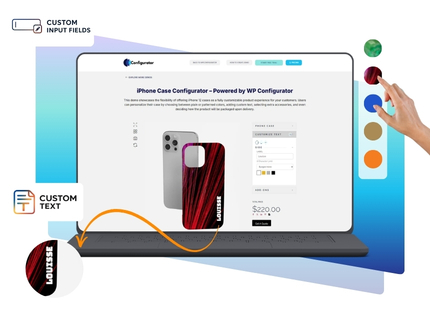
Customize your Apple iPhone 12 case in real time with Accordion Style 2 interactive options.
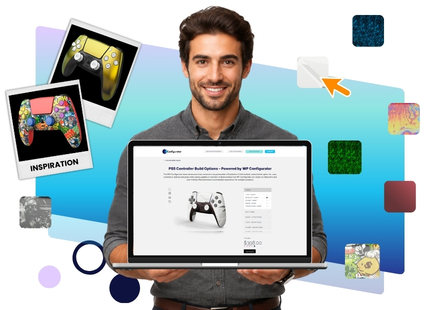
PS5 Controller
Customize your gaming controller with colors, buttons, and grips in Accordion Style 2.
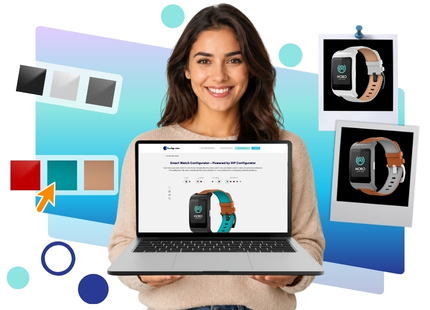
Smart Watch
Customize your smart watch with straps, colors, and styles using the clean Style 2 template
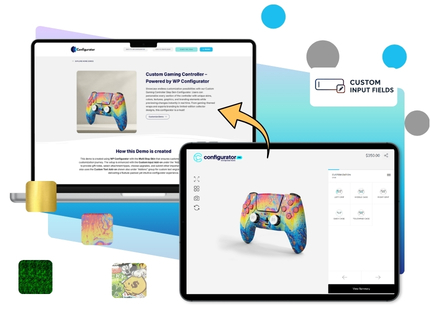
Custom Gaming Controller
Customize your Sony PlayStation 5 controller in real time with Multi Step skin.
Fashion & Luxury
Configurators for apparel, bags, eyewear, shoes, watches, and premium lifestyle products.
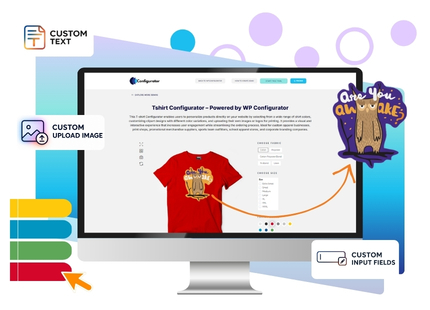
T-Shirt
Customize T-shirts with visual design options using the clean Accordion Style 2 template.
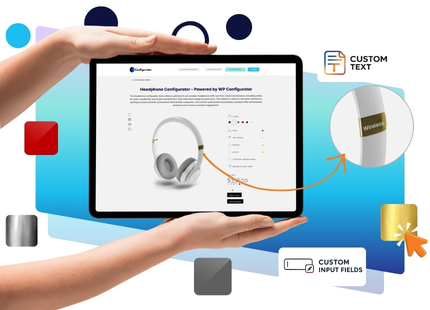
Headphones
Customize headphones with colors and finishes using the clean Accordion Style 1 template.
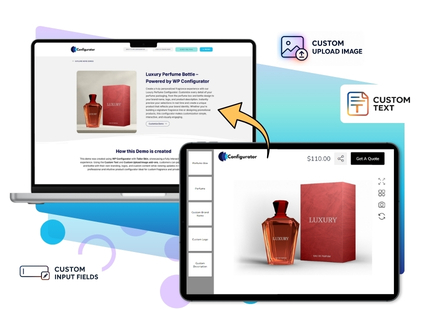
Luxury Perfume Bottle
Create your personalized fragrance packaging in real time with Tailor template.
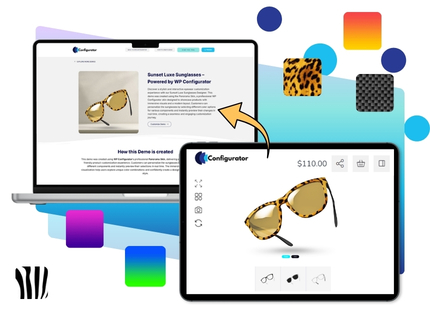
Sunset Luxe Sunglasses
Customize sunglasses with frames, lenses, and colors using the Panorama template.
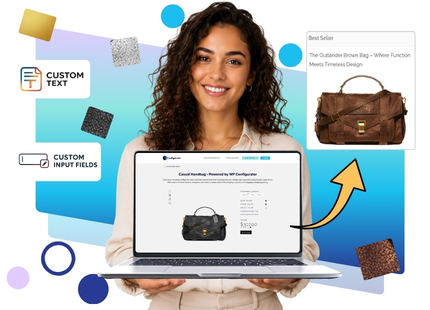
Casual Handbag
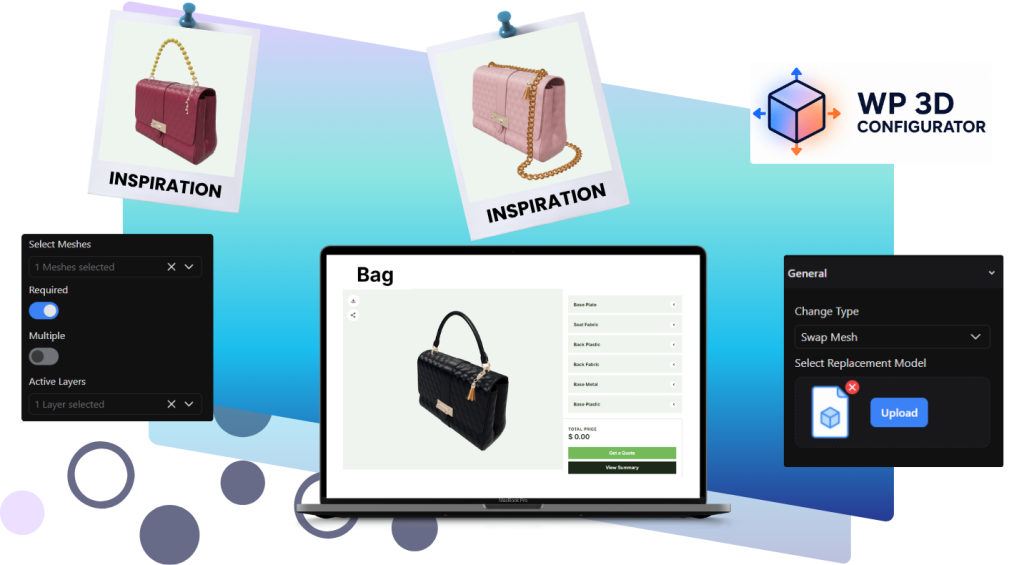
Customize handbags through an organized customization with Accordion Style 1 template.
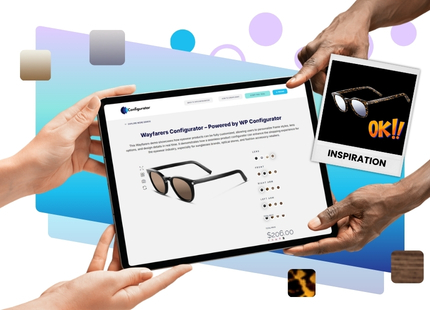
Want to Build a Configurator Like These?
Start with a live demo, explore the setup, or contact our team to find the best WP Configurator package for your WooCommerce store.
Home Decor & Furnishing
Furniture and interior configurator examples for customizable beds, rooms, and decor products.
Sports & Fitness
Examples for jerseys, helmets, skateboards, sportswear, and fitness accessories.
Jetski Builder
Customize sporty Jetski parts by parts,decals and colors using the Vogue template.
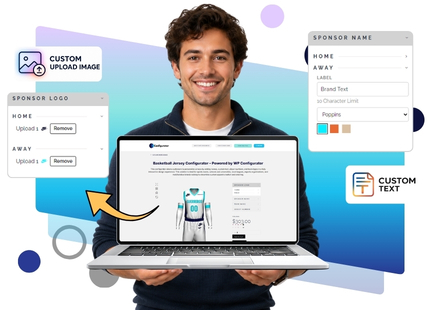
Basketball Jersey
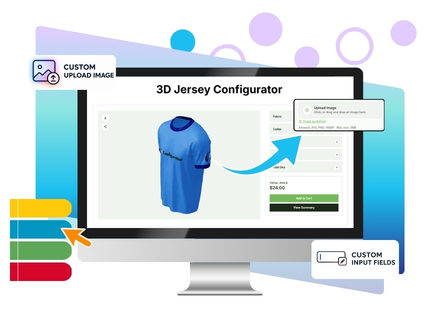
Customize basketball jerseys with names, numbers, and colors in Accordion Style 2.
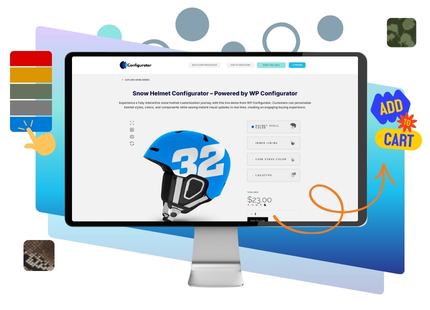
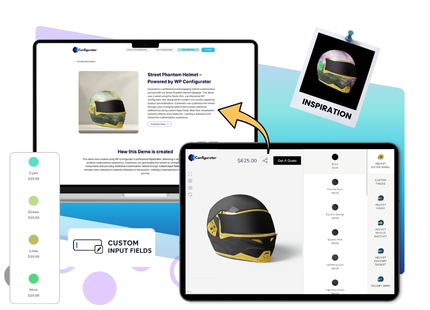
Street Phantom Helmet
Customize sports products with personalized inputs using the Ryota template.
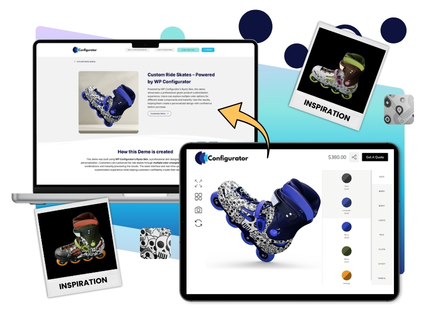
Custom Ride Skates
Showcase a professional product customization experience for skate components.
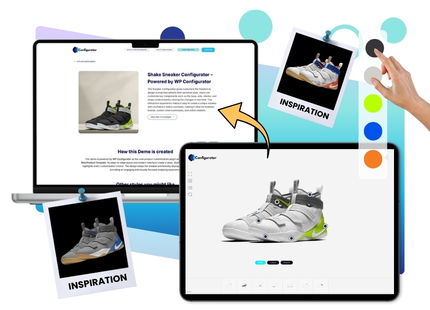
Shake Sneaker
Customize sneakers with colors and design options using the Panorama template.
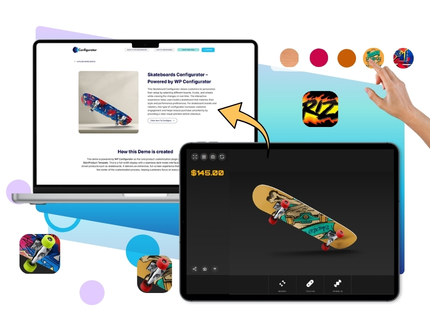
Skateboards
Customize skateboards with designs, colors, and parts using the Panorama template.
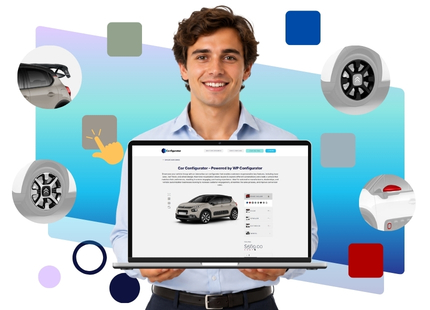
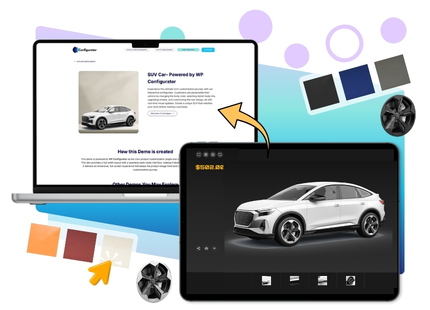
Automobile
Vehicle and accessory configurator examples with multi-part visual customization.
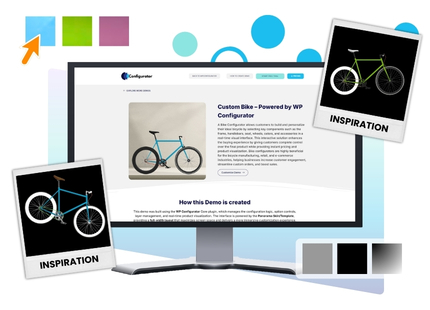
Custom Bike
Customize bikes with colors, parts, and accessories using the Panorama template.
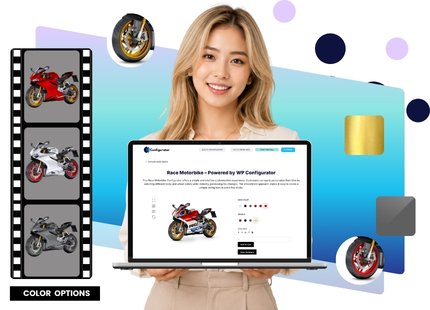
Race Motorbike
Customize race motorbikes with colors and parts using the clean Style 3 template.
Printing
Demo flows for print products, invitations, packaging, cards, and personalized stationery.
Bank Card
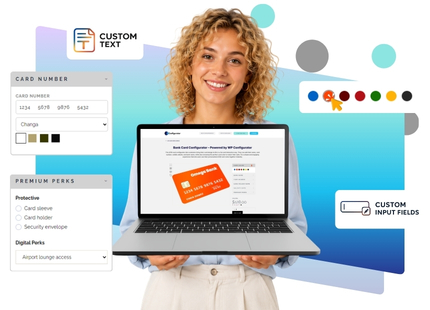
Interactive ATM card configurator with customizable design and details, featuring the default -Accordion Style 2 template.
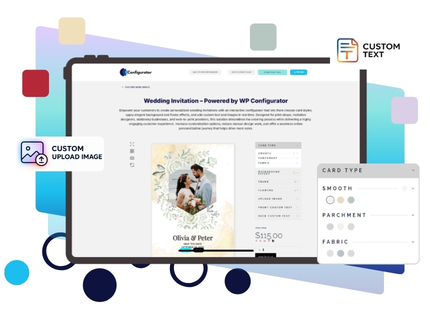
Wedding Invitation
Customize wedding invitations with text, colors, and layouts using Accordion Style 2.
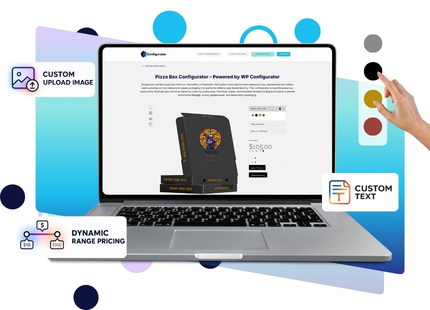
Food & Beverage
Examples for packaging, product bundles, bottle designs, and food-related customization.
Frequently Asked Questions
How do I get access to the backend?
To access the backend, choose the demo you want to explore and click “Request Admin Access”. Enter your email address, confirm your account from the activation email, and then use the “Go to Dashboard” option to explore the configurator setup from the WordPress admin side. Check this YouTube video link.
Can I view the demos without backend access?
Yes. You can explore the front-end demo examples to see how the product configurator works for customers. Backend access is only needed if you want to check how the configurator is created, managed, and customized inside WordPress.
I want to check compatibility with my website. Do you offer a trial version?
WP Configurator does not need a separate trial version for compatibility testing. You can purchase the plugin and test it with your WordPress/WooCommerce setup. The plugin comes with a 15-day, no-risk money-back guarantee, so if it does not fit your website requirements, you can request a refund within the refund window.
I have a small store. Which plan should I choose?
If you run a small store and want to start with basic product customization, you can review the available plans on the Pricing page and choose the package that matches your current product setup. The Personal plan includes WP Configurator Pro for one site, while higher plans include additional add-ons, templates/skins, and multi-site options.
I have a unique product requirement. Can WP Configurator support it?
Yes. If your product needs a unique configurator flow, advanced layout, custom feature, or special product logic, you can contact the WP Configurator team through the Custom Projects page. This is suitable for businesses that need more than the standard plugin setup.
I need an enterprise-level product configurator. What should I do?
For enterprise requirements such as complex product logic, custom workflows, advanced UI, large product catalogs, or tailored implementation support, you should contact the WP Configurator team through the Custom Projects page. The team can help plan a solution around your exact product and business needs.
Can you help if I need a custom feature?
Yes. If your requirement cannot be handled with the existing add-ons, templates, or standard configuration options, you can request a custom solution. This may include custom fields, unique option behavior, special pricing logic, custom layouts, or feature extensions based on your store’s needs.
I need help preparing product images for the configurator. Do you offer image work as a service?
Yes. WP Configurator offers image services for configurable products, including converting static PNG or PSD files into layered, configurator-ready assets. This is useful if you want a one-stop solution for both the plugin setup and product image preparation.
Can you create a unique UI for my configurator?
Yes. If you need a custom interface that matches your brand, product type, or customer journey, you can request a custom skin or custom UI solution. WP Configurator’s Custom Skin Service is designed for brands that need a layout, color system, font style, or visual experience beyond ready-made templates.
Which demo should I explore first?
Start with the demo category closest to your product type. For example, choose Fashion & Luxury for apparel and accessories, Home Decor & Furnishing for furniture, Automobile for vehicles, Printing for cards or invitations, and Food & Beverage for packaging-based customization.
Do the demos show add-ons like Dynamic Range Pricing, Custom Text, and Inventory Control?
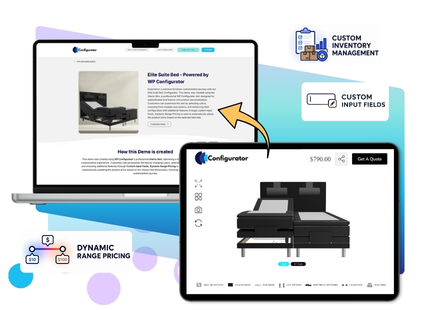
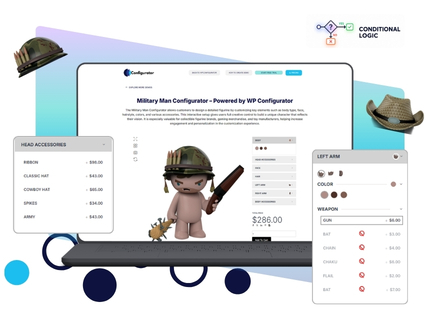
Yes. The demo page can include examples that highlight WP Configurator add-ons such as Inventory Management, Dynamic Range Pricing, Custom Input, Conditional Logic, Custom Image Upload, and Custom Text. These add-ons are also listed on the pricing page as available plugin extensions.
Can I create both 2D and 3D product configurators?
Yes. WP Configurator offers options for 2D product configuration through WP Configurator Pro and 3D product configurations through WP Configurator 3D Pro. The pricing page lists separate 3D plans with features such as unlimited 3D product publishing, real-time 3D interaction, material swapping, texture swapping, and WooCommerce integration.
Check more Demos in action for WP Configurator 3D Pro
- All Demos
- 3D Product Configurator
3D Product Configurator
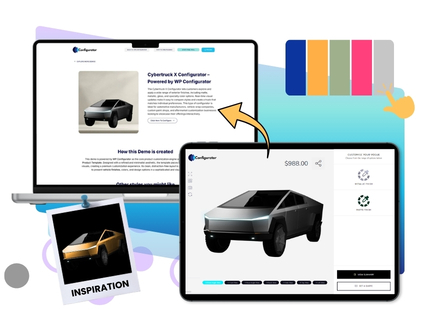
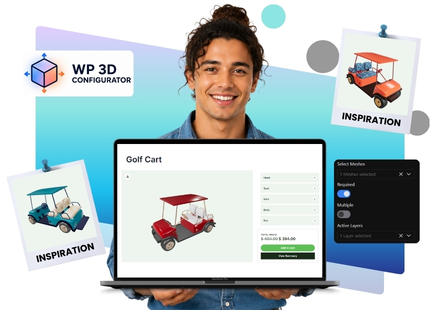
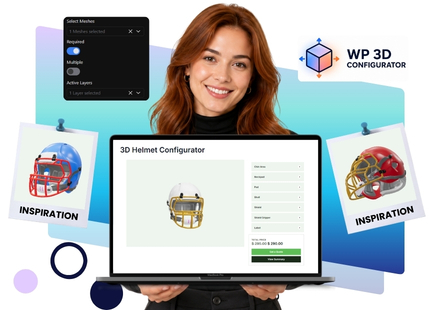
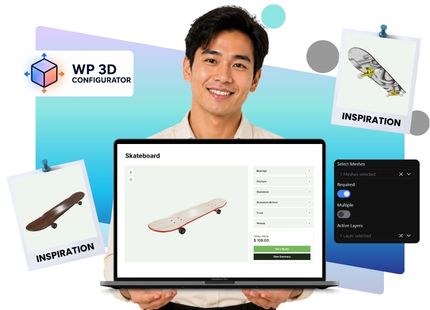
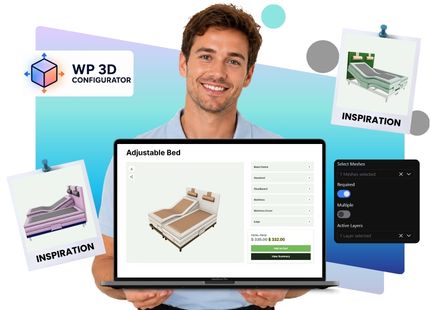
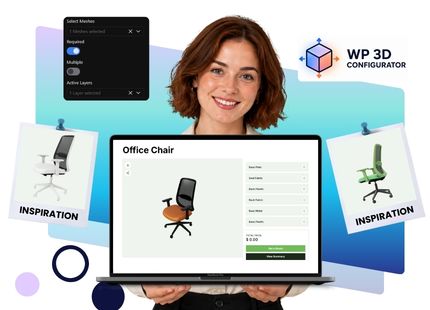
Interactive 3D product configurator demos where users can rotate, zoom, explore, and customize products using GLB-based 3D models.
Want to Build a Configurator Like These?
Start with a live demo, explore the setup, or contact our team to find the best WP Configurator package for your WooCommerce store.
Frequently Asked Questions
How do I get access to the backend?
To access the backend, choose the demo you want to explore and click “Request Admin Access”. Enter your email address, confirm your account from the activation email, and then use the “Go to Dashboard” option to explore the configurator setup from the WordPress admin side. Check this YouTube video link.
Can I view the demos without backend access?
Yes. You can explore the front-end demo examples to see how the product configurator works for customers. Backend access is only needed if you want to check how the configurator is created, managed, and customized inside WordPress.
I want to check compatibility with my website. Do you offer a trial version?
Yes. You can explore the front-end demo examples to see how the product configurator works for customers. Backend access is only needed if you want to check how the configurator is created, managed, and customized inside WordPress.
I have a small store. Which plan should I choose?
Yes. You can explore the front-end demo examples to see how the product configurator works for customers. Backend access is only needed if you want to check how the configurator is created, managed, and customized inside WordPress.
I have a unique product requirement. Can WP Configurator support it?
Yes. You can explore the front-end demo examples to see how the product configurator works for customers. Backend access is only needed if you want to check how the configurator is created, managed, and customized inside WordPress.
I need an enterprise-level product configurator. What should I do?
Yes. You can explore the front-end demo examples to see how the product configurator works for customers. Backend access is only needed if you want to check how the configurator is created, managed, and customized inside WordPress.
Can you help if I need a custom feature?
Yes. You can explore the front-end demo examples to see how the product configurator works for customers. Backend access is only needed if you want to check how the configurator is created, managed, and customized inside WordPress.
I need help preparing product images for the configurator. Do you offer image work as a service?
Yes. You can explore the front-end demo examples to see how the product configurator works for customers. Backend access is only needed if you want to check how the configurator is created, managed, and customized inside WordPress.
Can you create a unique UI for my configurator?
Yes. You can explore the front-end demo examples to see how the product configurator works for customers. Backend access is only needed if you want to check how the configurator is created, managed, and customized inside WordPress.
Which demo should I explore first?
Yes. You can explore the front-end demo examples to see how the product configurator works for customers. Backend access is only needed if you want to check how the configurator is created, managed, and customized inside WordPress.
Do the demos show add-ons like Dynamic Range Pricing, Custom Text, and Inventory Control?
Yes. You can explore the front-end demo examples to see how the product configurator works for customers. Backend access is only needed if you want to check how the configurator is created, managed, and customized inside WordPress.
Can I create both 2D and 3D product configurators?
https://wpconfigurator.com/faqs/Yes. You can explore the front-end demo examples to see how the product configurator works for customers. Backend access is only needed if you want to check how the configurator is created, managed, and customized inside WordPress.
Frequently Asked Questions
How do I get access to the backend?
To access the backend, choose the demo you want to explore and click “Request Admin Access”. Enter your email address, confirm your account from the activation email, and then use the “Go to Dashboard” option to explore the configurator setup from the WordPress admin side. Check this YouTube video link.
Can I view the demos without backend access?
Yes. You can explore the front-end demo examples to see how the product configurator works for customers. Backend access is only needed if you want to check how the configurator is created, managed, and customized inside WordPress.
I want to check compatibility with my website. Do you offer a trial version?
WP Configurator does not need a separate trial version for compatibility testing. You can purchase the plugin and test it with your WordPress/WooCommerce setup. The plugin comes with a 15-day, no-risk money-back guarantee, so if it does not fit your website requirements, you can request a refund within the refund window.
I have a small store. Which plan should I choose?
If you run a small store and want to start with basic product customization, you can review the available plans on the Pricing page and choose the package that matches your current product setup. The Personal plan includes WP Configurator Pro for one site, while higher plans include additional add-ons, templates/skins, and multi-site options.
I have a unique product requirement. Can WP Configurator support it?
Yes. If your product needs a unique configurator flow, advanced layout, custom feature, or special product logic, you can contact the WP Configurator team through the Custom Projects page. This is suitable for businesses that need more than the standard plugin setup.
I need an enterprise-level product configurator. What should I do?
For enterprise requirements such as complex product logic, custom workflows, advanced UI, large product catalogs, or tailored implementation support, you should contact the WP Configurator team through the Custom Projects page. The team can help plan a solution around your exact product and business needs.
Can you help if I need a custom feature?
Yes. If your requirement cannot be handled with the existing add-ons, templates, or standard configuration options, you can request a custom solution. This may include custom fields, unique option behavior, special pricing logic, custom layouts, or feature extensions based on your store’s needs.
I need help preparing product images for the configurator. Do you offer image work as a service?
Yes. WP Configurator offers image services for configurable products, including converting static PNG or PSD files into layered, configurator-ready assets. This is useful if you want a one-stop solution for both the plugin setup and product image preparation.
Can you create a unique UI for my configurator?
Yes. If you need a custom interface that matches your brand, product type, or customer journey, you can request a custom skin or custom UI solution. WP Configurator’s Custom Skin Service is designed for brands that need a layout, color system, font style, or visual experience beyond ready-made templates.
Which demo should I explore first?
Start with the demo category closest to your product type. For example, choose Fashion & Luxury for apparel and accessories, Home Decor & Furnishing for furniture, Automobile for vehicles, Printing for cards or invitations, and Food & Beverage for packaging-based customization.
Do the demos show add-ons like Dynamic Range Pricing, Custom Text, and Inventory Control?
Yes. The demo page can include examples that highlight WP Configurator add-ons such as Inventory Management, Dynamic Range Pricing, Custom Input, Conditional Logic, Custom Image Upload, and Custom Text. These add-ons are also listed on the pricing page as available plugin extensions.
Can I create both 2D and 3D product configurators?
Yes. WP Configurator offers options for 2D product configuration through WP Configurator Pro and 3D product configurations through WP Configurator 3D Pro. The pricing page lists separate 3D plans with features such as unlimited 3D product publishing, real-time 3D interaction, material swapping, texture swapping, and WooCommerce integration.